Outline steps to implement some of the Kubernetes advanced concepts.
1
2
3
4
5
6
7
8
9
10
11
12
13
14
15
16
17
18
19
20
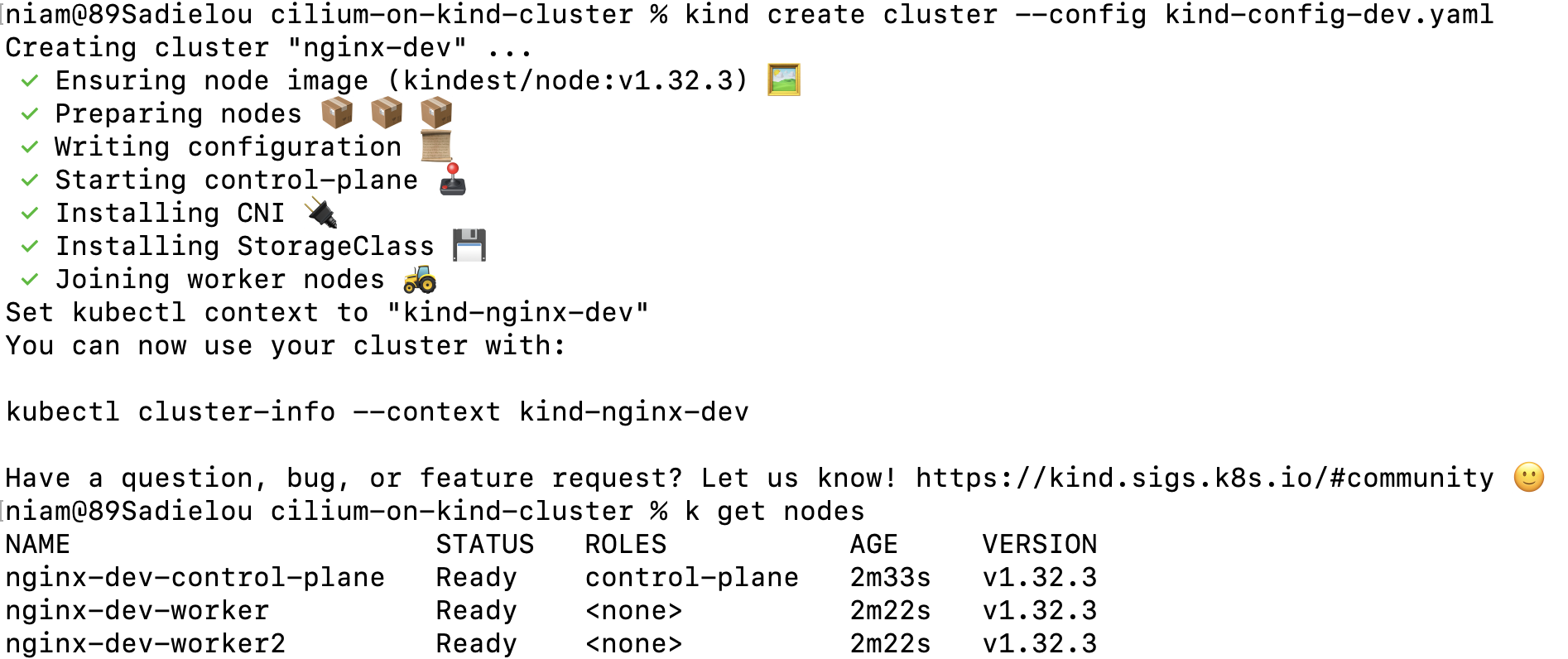
apiVersion: kind.x-k8s.io/v1alpha4
kind: Cluster
name: dev
nodes:
  - role: control-plane
    kubeadmConfigPatches:
      - |
        kind: InitConfiguration
        nodeRegistration:
          kubeletExtraArgs:
            node-labels: "ingress-ready=true"
    extraPortMappings:
      - containerPort: 80
        hostPort: 80
        protocol: TCP
      - containerPort: 443
        hostPort: 443
        protocol: TCP
  - role: worker
  - role: worker
Apply Nginx controller
1
  - kubectl apply -f https://raw.githubusercontent.com/kubernetes/ingress-nginx/main/deploy/static/provider/kind/deploy.yaml
Ingress controller is up and running

Create a deployment.
1
  - kubectl create deployment my-test-app --image=nginx
Create a service for the deployment.
1
  - kubectl expose deployment my-test-app --name=my-test-app-service --type=ClusterIP --port=80 --target-port=80
Create ingress resource to define routing rules.
1
  - kubectl create ing my-ingress --rule="myapp.local/my-test-app=my-test-app-service:80" --annotation nginx.ingress.kubernetes.io/rewrite-target=/$2
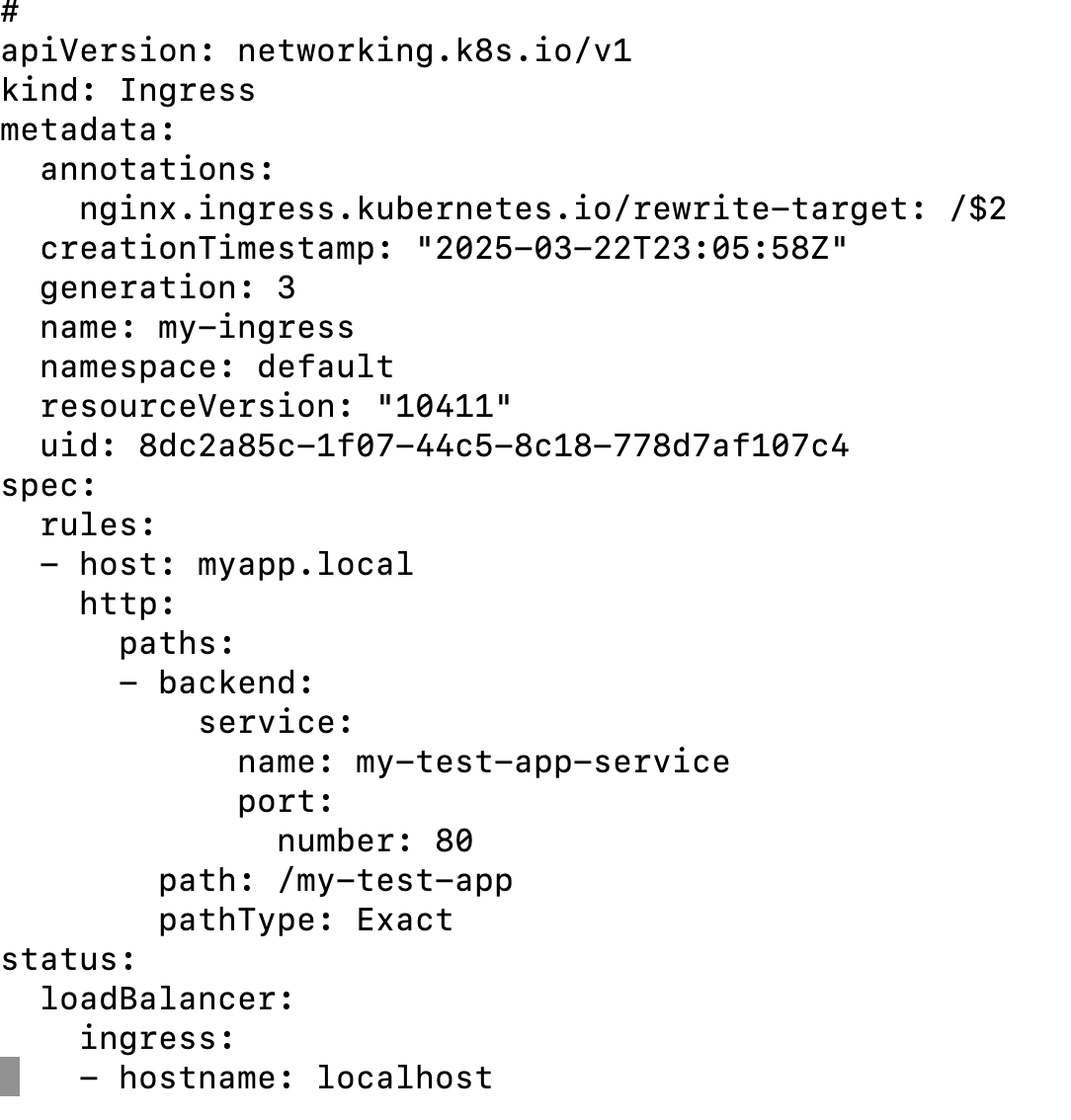
This is how Ingress rule looks like after execting the above command.
1
2
3
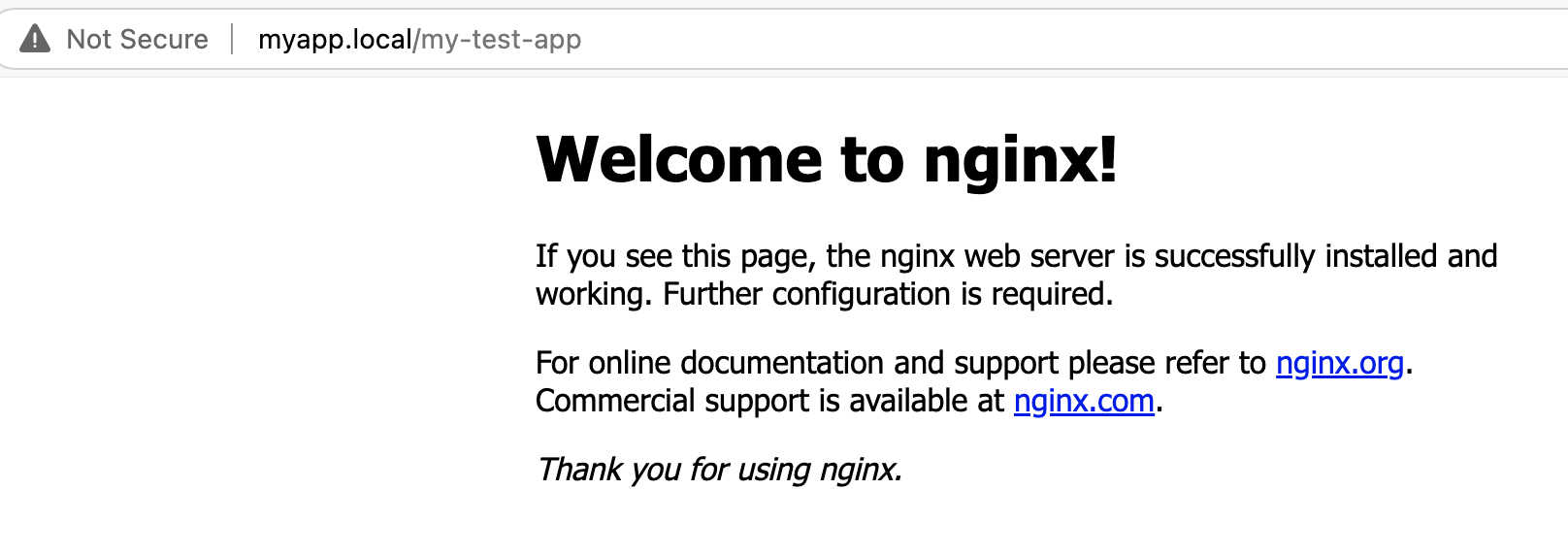
    - Update the file /etc/hosts to create a record: 127.0.0.1 myapp.local

    - test it: curl http://example.local -v
Real production workloads will always be encrypted with Certificate Authority (CA) signed TLS certificates. Here lets create self-signed certificates using using OpenSSL tool. This certificate will enable TLS encryption with ingress routing.
Cretae a TLS Key.
1
  - openssl genrsa -out tls.key 2048
Create TLS certificate - Note the domain name in CN which is matching with my local domain.
1
  - openssl req -x509 -new -nodes -key ingress-tls.key -subj "/CN=myapp.local” -days 10 -out tls.crt
Optional - View certificate details
1
  - openssl x509 -in tls.crt -noout -text
A Kubernetes secret for TLS is required. Lets create one.
1
    - kubectl create secret tls my-secret --cert=tls.crt --key=ingress-tls.key

Delete the previous ingress resource rule
1
  - kubectl delete ing my-ingress
Create ingress resource rule with tls enabled
1
  - kubectl create ing my-ingress --rule="myapp.local/my-test-app=my-test-app-service:80,tls=my-secret" --annotation nginx.ingress.kubernetes.io/rewrite-target=/$2
Test the application with https.
1
  - curl https://example.local --insecure -v


1
2
3
4
    - Cilium is lightweight, best performed CNI and is eBPF based that works directly with Linux Kernel to will eliminate sidecar and kube-proxy.
    - Cilium is best suited for Layer 3/4 and Layer 7 network policies. Other CNIs like Calico, AzureCNI only support Layer 3/4 policies.
    - Observabilty with Hubble with live monitoring of traffic - May not matured compare to istio or Prometheus/ Grafana based monitoring.
    - Cilium can also used as ServiceMesh for traffic routing. However, Istio is still preferred for rich features, complex and multi-cluster routing, secure pod-to-pod communication using mTLS.
1
2
3
4
5
6
7
8
9
apiVersion: kind.x-k8s.io/v1alpha4
kind: Cluster
name: cilium-cluster
nodes:
  - role: control-plane
  - role: worker
  - role: worker
networking:
  disableDefaultCNI: true
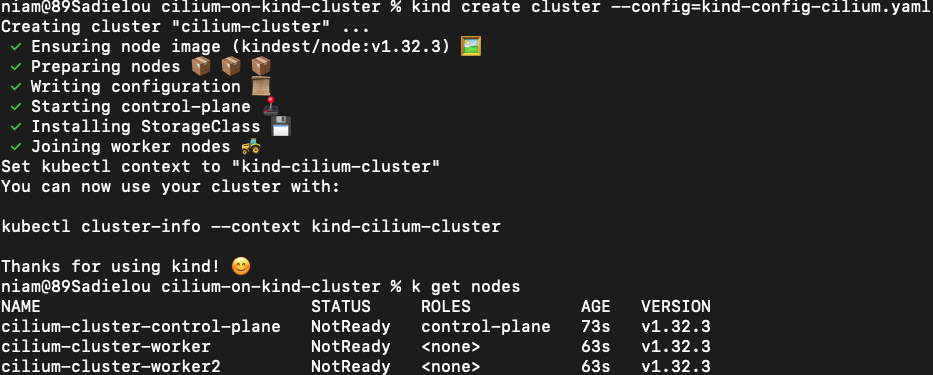
notice that cluste is not ready yet. it is because there is no CNI installed.
lets download and install cilium CNI in KinD cluster: https://docs.cilium.io/en/stable/gettingstarted/k8s-install-default/
1
  cilium install
Now cluster nodes and pods will be in ready state.
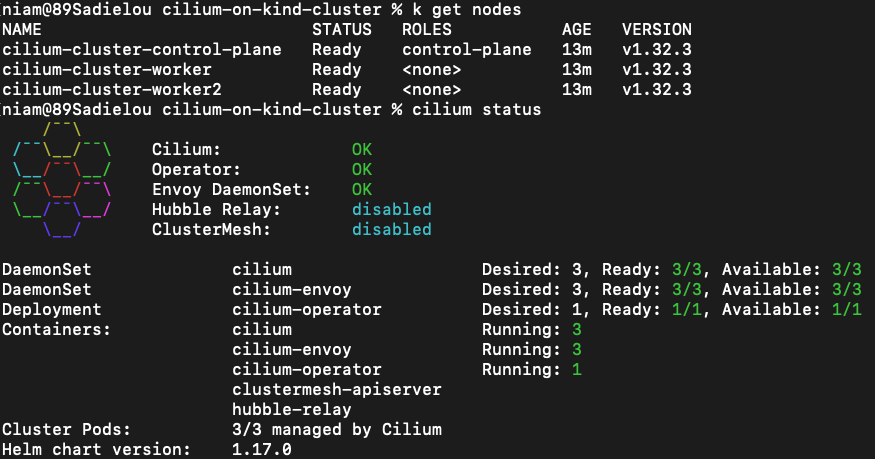
Create a deployment and its service
1
2
3
  - kubectl create deployment my-test-app --image=nginx

  - kubectl expose deployment my-test-app --name=my-test-app-service --type=ClusterIP --port=80 --target-port=80
In contrast to Calico and Azure CNI, Cilium natively supports Layer 7 policies by leveraging eBPF for deep packet inspection. Cilium can enforce application-aware policies directly and efficiently, such as allowing specific HTTP methods (e.g., GET, POST) or filtering by URL paths and hostnames.
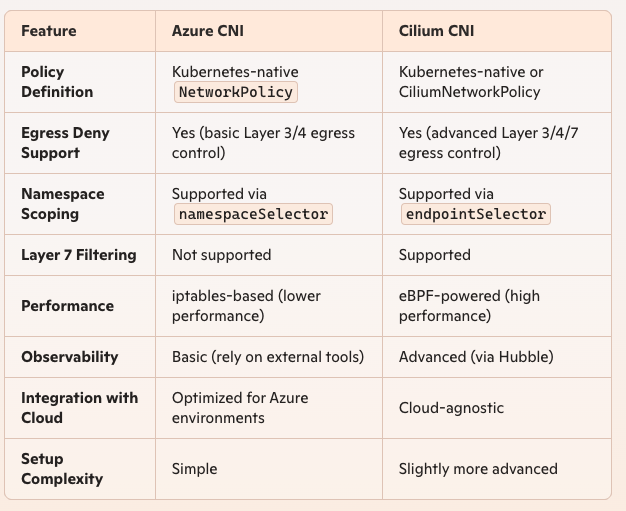
Lets apply the network policy to deny all egress traffic from default namespace
1
2
3
4
5
6
7
8
9
10
apiVersion: "cilium.io/v2"
kind: CiliumNetworkPolicy
metadata:
  name: deny-all-egress
  namespace: default
spec:
  endpointSelector: {} # Match all pods in the default namespace
  egressDeny:
    - toEntities:
        - all # Deny all egress traffic to all destinations
Create the policy and view.

Login to the pod in the default namespace and try to browse google or microsoft. Egress traffic is being blocked.

https://dev.to/iamunnip/kind-setting-up-cni-using-calico-part-7-31p2